
The agent has understood the enquiry, pulled the customer record, prepared a quotation and suggested an 8% volume discount. The wording is solid. The numbers look plausible. One step remains: send it.
That final step changes the nature of the automation. Until now, the agent has prepared work. After send, the company has communicated a price to a real customer.
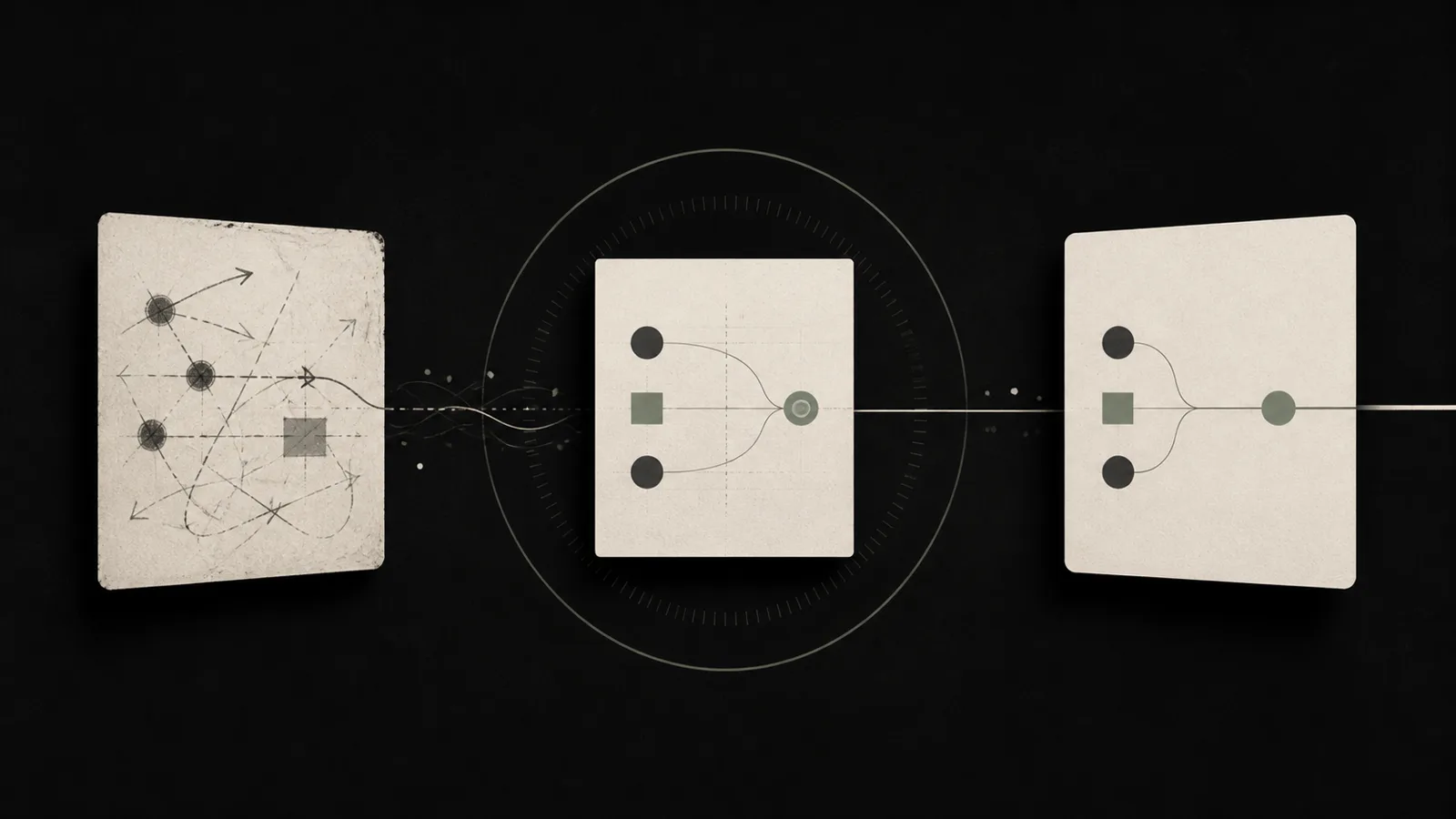
SMEs often implement human-in-the-loop in one of two unhelpful ways. Either the AI cannot do anything without a human clicking every step, or somebody is supposed to “keep an eye on it” while the agent can already act. A clearer pattern is Draft → Approve → Execute: the agent prepares a specific proposed transaction, an authorised person reviews the consequential part, and only then can the system commit the action.
This is an engineering and governance recommendation, not a universal legal requirement. Its value is making consequence visible before it becomes external.
The Draft Approve Execute pattern separates preparation from authority
Language models are useful at combining information, drafting messages and proposing actions. Business authority is a different layer. Sending a binding offer, issuing a refund, changing bank details, deleting customer information or confirming a booking can create consequences that a good-looking draft does not.
NIST’s AI Risk Management Framework puts governance and ongoing risk management around AI deployment. The Council of Europe AI Convention includes principles around oversight, accountability, transparency and reliability. Neither source says every routine SME task must be manually approved. They do support a broader principle: controls should be connected to meaningful risk and responsibility.
A good draft therefore contains more than polished prose. It exposes the decision basis: the customer facts used, applicable rule, calculation, unusual deviation and proposed external action.
The reviewer should not have to reverse-engineer the agent.
Approval belongs at the transaction boundary, not everywhere
If a person approves every spelling correction, human-in-the-loop becomes expensive theatre. If the person is notified only after an offer has been sent, it is not approval at all.
The useful boundary is usually just before an action creates a customer, financial, legal or difficult-to-reverse effect.
An internal lead tag may be safe to set automatically under narrow rules. A suggested appointment can remain a draft. A discount outside the normal range, refund, customer-data export or final booking confirmation may deserve explicit review.
Recommendation: create three practical classes: low-risk/reversible; consequential but controllable; binding or hard to reverse. Set thresholds for your business rather than copying a generic AI risk matrix.
Example: a garage assistant may automatically acknowledge receipt of an enquiry. It may suggest a workshop slot. It should not promise a repair price or diagnosis just because a generated answer sounds confident; a mechanic still owns those decisions.
A context-free approval button creates rubber-stamping
The weakest interface says: “Agent wants to perform action. Approve?” After enough harmless cases, almost everybody learns to click yes.
A useful approval view answers a tighter set of questions. What exactly will happen? Which facts were used? What is unusual compared with the normal rule? Who will receive the result? Is the action reversible?
For a quotation, the review card might show: standard price CHF 4,800; proposed price CHF 4,416; reason: volume-discount rule; autonomous threshold: 5%; current deviation: 8%; therefore approval required.
Now the salesperson does not need to reread the entire conversation and every CRM field. The system highlights the actual decision.
The reviewer should also have real options: approve, edit and execute, reject, or escalate. If the only choices are yes and no, exceptions leak into WhatsApp, email and side conversations, where the audit trail disappears.
A workflow a small team can run every day
Keep the first implementation narrow.
- Choose one transaction. Sending a quote, confirming an appointment or changing a customer status is enough.
- Separate draft from commit technically. Generating the output must not silently use the same unchecked call that creates the real-world effect.
- Define approval triggers. Amount, data sensitivity, customer type, deviation from standard or irreversibility are useful inputs.
- Design the review context. Show only the facts needed for this decision plus the meaningful exception.
- Log the decision. Who approved, edited, rejected or escalated, and when?
- Verify execution. The target system must confirm that the approved action actually completed.
That sixth step matters. Approval does not equal execution. If the downstream API rejects the request, the workflow should remain visibly failed or pending instead of pretending the work is complete.
When a human can deliberately leave the loop
A sensible system does not aim for maximum manual review forever. After real operation, a specific action class may prove stable, reversible and low-consequence. You can then move that narrow class to automatic execution.
Internal tagging from a fixed list is a good candidate. New bank details, deletion, contractual commitments or unusual pricing are very different. “The agent was right 98 times” is not by itself enough evidence to automate the one case with a much larger downside.
Track approval rate, edit-before-execution rate, reject/escalate rate, time from draft to decision, errors after approved execution, and reviews where the operator reported missing context.
A 99% approval rate can signal excellent drafts. It can also signal that reviewers have stopped reading. Look at how often they make meaningful edits and whether sampled reviews catch planted or genuine exceptions.
The practical conclusion is that human-in-the-loop is not about inserting a human somewhere in the diagram. Put the person at the point where a proposal becomes a commitment, give them the right evidence, and preserve a real ability to change or stop the action. The agent can then do substantial preparation without quietly acquiring business authority.
Our guide to permissions and audit logs defines the allowed action. A tested kill switch and rollback covers the moment an approved design still fails.
Sources
- NIST — AI Risk Management Framework 1.0
- NIST — Generative AI Profile
- Council of Europe — Framework Convention on AI
FAQ
Does every action need approval?
No. Narrow, reversible, low-risk actions can often execute automatically. Approval is most useful at consequential boundaries.
What belongs on the approval screen?
Proposed action, material facts, deviation from normal rules, expected consequence and the key rationale.
Is Draft → Approve → Execute a legal requirement?
Not as a universal rule for all AI automation. It is a practical control pattern; specific laws may impose additional requirements in particular contexts.
What if execution fails after approval?
Keep the case visibly failed or pending, surface it to an owner and reconcile the target system before retrying.
When can approval be removed later?
When a narrowly defined action class has been tested in real operation and is sufficiently predictable, reversible and low-consequence.