
It is Friday at 16:43. A customer calls for a Monday appointment. The voice agent understands the request, but the booking API times out. It retries once and receives another timeout. The worst response is to say “confirmed” and hope the write succeeds later.
The second-worst response is to lose the enquiry entirely.
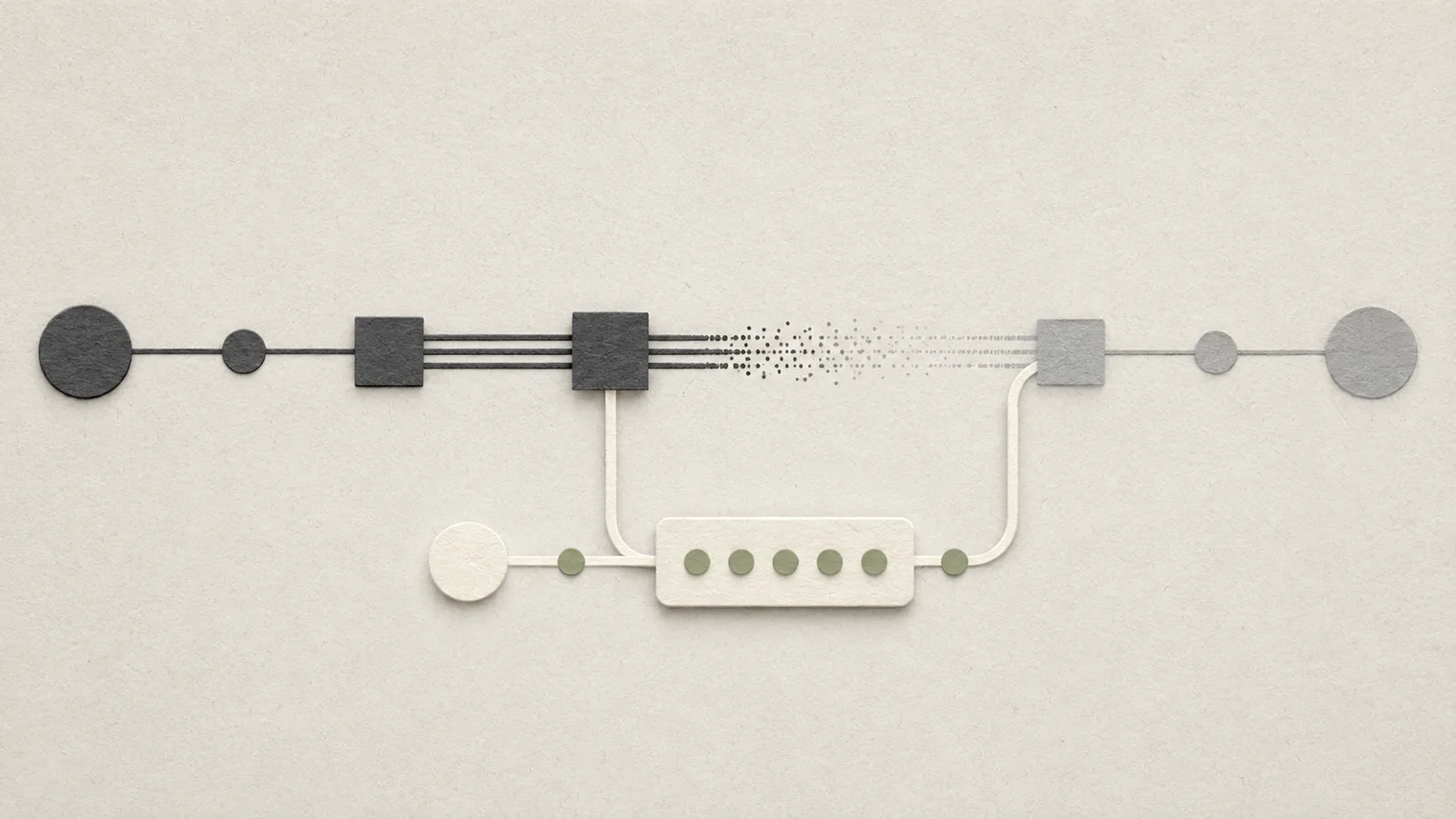
A degraded mode sits between those failures. The automation offers fewer capabilities but remains useful and honest. It captures contact details and the requested slot, makes no live availability promise, creates a visible queue item and tells the customer that confirmation will follow.
Software resilience has long used patterns such as circuit breakers to avoid repeatedly hammering an unhealthy dependency, plus health monitoring to detect availability. An SME does not need an enterprise platform to apply the business principle: what can safely continue when one dependency is unavailable?
AI automation degraded mode needs a feature matrix
“API down” tells you too little. The model might be healthy while CRM is down. The calendar may be readable but temporarily reject writes. Payment could fail while all support functions continue normally.
For each workflow, define three modes: normal, degraded, and stopped.
Normal mode can use the approved read, decision and execution functions. Degraded mode keeps safe capabilities: collect an enquiry, provide stable public information, accept a callback request and place deferred work in a queue. Actions dependent on live state — confirming availability, charging a card, finalising an order — stop.
Stopped mode is for cases where even intake or identity cannot be trusted. Then the continuity path is human.
Confirmed fact: resilience patterns such as circuit breakers and health checks are designed to detect unhealthy dependencies and prevent repeated failure from spreading.
Recommendation: define the reduced business behaviour before an outage, not in the middle of one.
The dangerous fallback is “probably”
Conversational AI is rewarded for being helpful. When integrations fail, helpful guessing becomes a liability.
If the calendar is unavailable, the model should not infer from yesterday’s state that 10:00 is “probably free”. If a CRM write fails, the UI should not display “customer created”. If a payment service gives no confirmation, “paid” is not an acceptable substitute status.
Write negative rules for degraded operation: no live promise without the live source; no success state after a failed write; no uncontrolled retries when the transaction might have completed but the response was lost.
Hotel example: the PMS is unavailable. The assistant can collect dates, room preference, occupancy and contact details. It cannot truthfully confirm current availability or a final rate when those facts depend on the unavailable PMS.
A queue is better than the agent’s memory
The heart of a useful degraded mode is often an ordinary queue.
Every deferred action gets an identifier, timestamp, intended action, customer reference, reason for deferral and an owner. The customer receives a truthful state: request received, confirmation pending.
Do not blindly replay the queue after recovery. During the outage, staff may have handled items manually. Customers may have called again or changed plans.
Use a controlled recovery sequence:
- Confirm the dependency is genuinely healthy, not merely that one request returned 200.
- Open new traffic gradually so a recurring fault does not immediately scale.
- Prioritise the queue by age, customer impact and urgency.
- Check current target state before replay, preventing work already completed by staff from running twice.
- Mark stale jobs that require fresh customer confirmation.
- Assign unresolved exceptions to a person instead of letting them remain as anonymous retry failures.
That is where degraded mode meets reconciliation.
Customer language is part of resilience
Engineers see retries. Customers see promises.
A voice or chat assistant should explain the business consequence in plain language: “Our booking system is temporarily unavailable. I can take your preferred time and contact details, and we’ll confirm the appointment once access is restored.”
You do not need to tell a customer about HTTP 503 errors. You do need to make the status clear: request captured, not confirmed; payment not yet verified; callback pending.
Handover becomes urgent when the customer cannot reasonably wait. An emergency trade call, a guest arriving tonight or a customer already standing at the counter should not sit in a six-hour technical queue just because an automated recovery might eventually happen.
The business needs an urgency rule independent of the API status.
The minimum pilot is a deliberate outage
In a test environment, disable one dependency. Watch what the agent says, which writes it attempts, whether every deferred task is visible and how recovery behaves.
Measure time to detect dependency failure, share of enquiries safely captured in degraded mode, false success/confirmation states, queue age before resolution, jobs completed after recovery without duplication, and handover time for urgent cases.
“100% automated availability” is not the goal. Sometimes the safe and successful behaviour is explicitly refusing to perform one function.
The practical conclusion is that a robust agent does not need to be fully capable at all times. It needs to know when capability has shrunk. The best degraded mode for an SME preserves the customer contact, stops unsupported commitments and stores pending work clearly enough for a person or a recovered system to finish it later.
On recovery, do not resend every old task blindly. Check whether the target action may have completed despite the timeout. That is where duplicate-action protection and reconciliation meet degraded operation.
Sources
FAQ
Is degraded mode just retry logic?
No. Retry is a technical mechanism. Degraded mode changes which business functions remain allowed.
Can the agent provisionally confirm a slot during a calendar outage?
Only if your business has a real conflict-safe reservation mechanism. Otherwise capture the preference without claiming availability.
Should queued jobs automatically run when the API returns?
Not blindly. Check current state first because staff or customers may have changed the case.
Does a small SME need health monitoring?
For critical dependencies, at least simple availability and error monitoring is worthwhile. It does not need to be an enterprise observability stack.
Which cases should bypass the queue?
Urgent, safety-relevant or high-impact cases where waiting for technical recovery would be unreasonable.